GanbaFlash / Get Started
Get Started
With
GanbaFlash
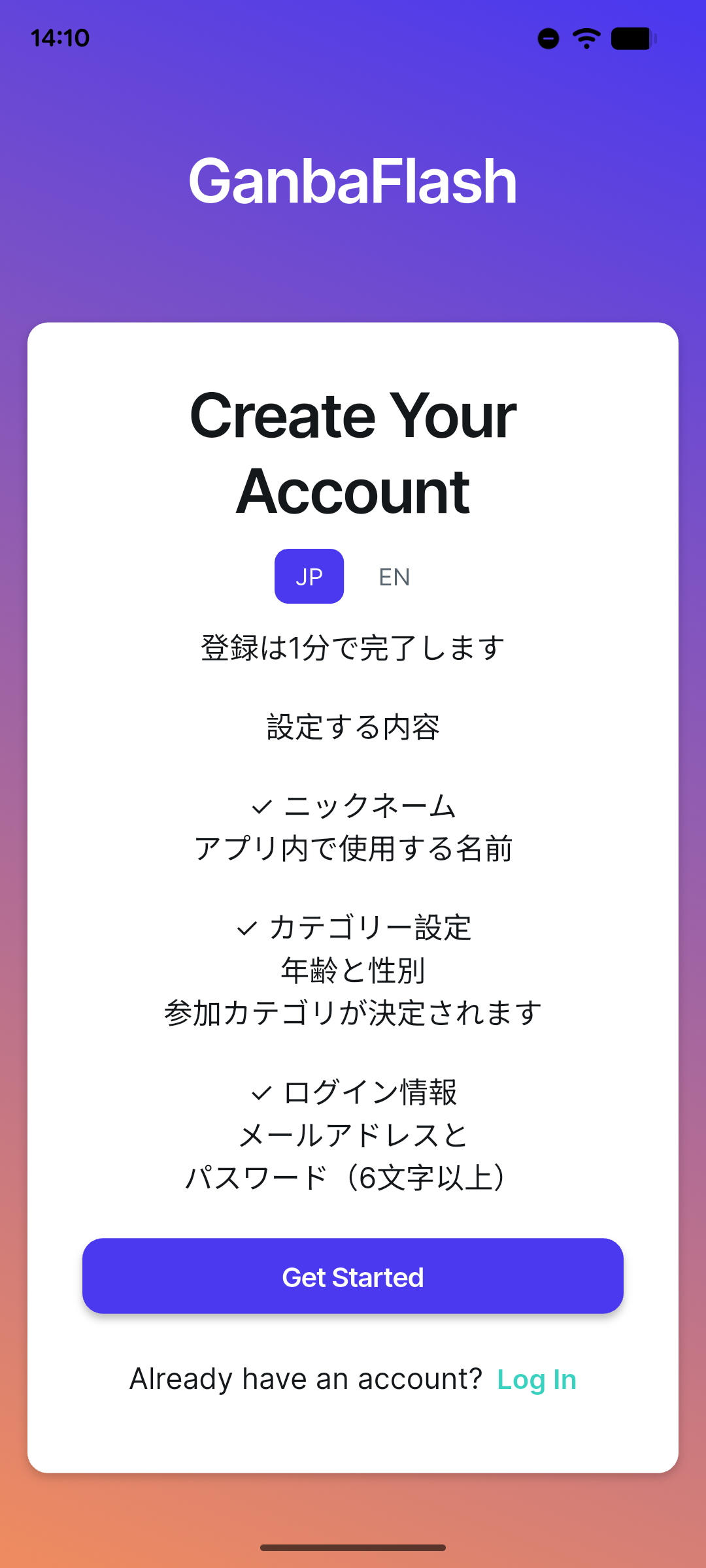
Create your account, join a Monthly Competition, and start recording your climbs.
A simple path in
Start in 3 Steps
ACCOUNT
Create a GanbaFlash account with a Nickname and Date of Birth. Your Nickname appears in competition rankings and related competition features. Date of Birth places you in the correct Monthly Competition age category.
SCAN
Scan the Monthly Competition QR code at the gym with your own smartphone. This joins you to the competition and unlocks its Problem List.
CLIMB
Open the competition, select a problem, and enter your climbing result. Your ranking updates from there.
Your account details
Know what
you share
Nickname
The name other climbers see in competition rankings and related competition features.
Date of Birth
Used to place you in the correct Monthly Competition age category.
Every attempt counts
Climb.
Record.
Rank.
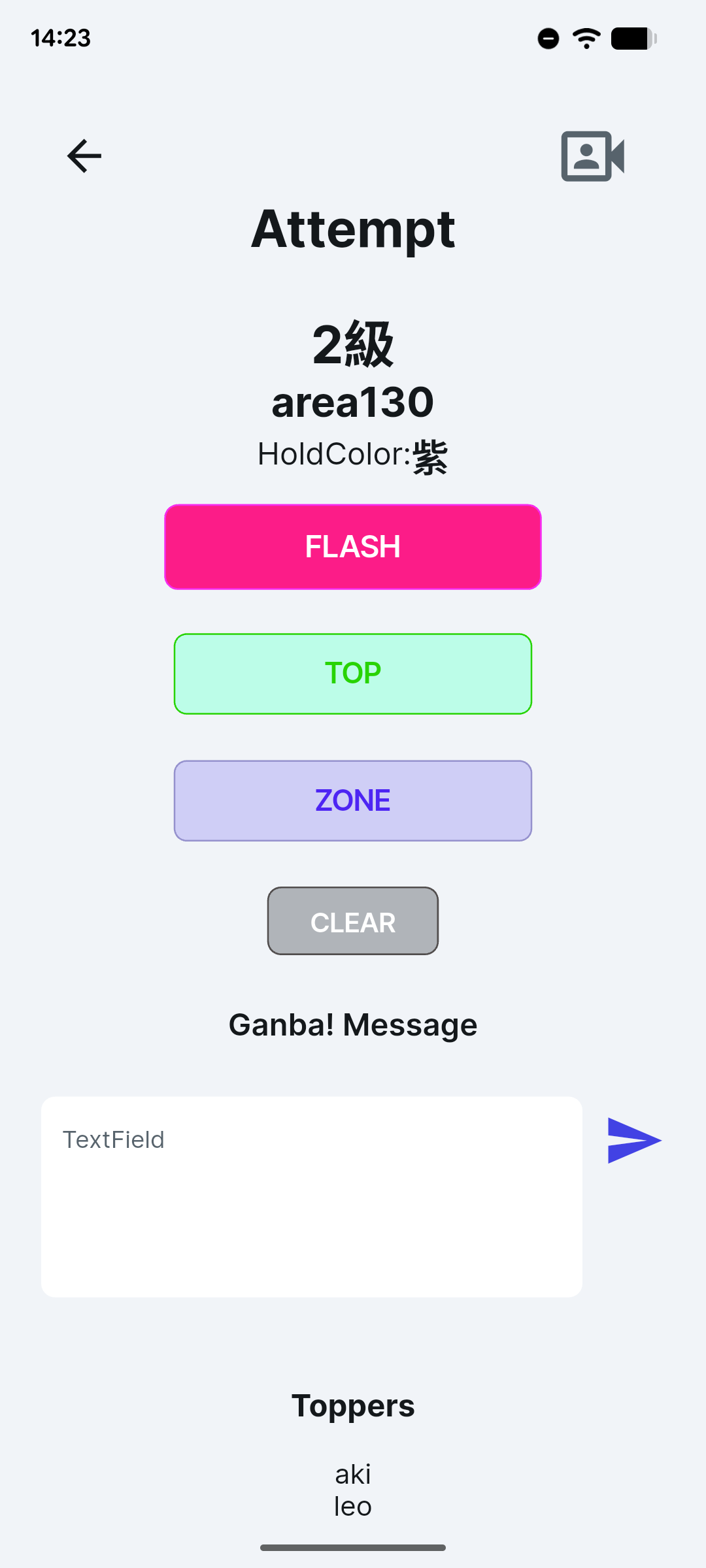
Select a problem, enter the result, and see the competition ranking update in real time.
Keep exploring
More in GanbaFlash
Real-Time Ranking
Rankings update as results are entered.
Problem Communication
Interact with other climbers around each problem.
Quick Camera Access
A camera launch button is available from the problem/result screen for quick access while climbing.
Age-Based Rankings
Date of Birth places you in the correct age group.